Your AI Visuals: Garbage In, Garbage Out
You’ll spend hours teaching AI how you write. You’ll explain your business, refine the instructions, correct the tone and build a whole process around getting useful work out of it.
Then you want an AI version of yourself, and you upload a cropped vacation photo with half your face in shadow.
Why put all that effort into the words and half-ass the pictures?
Garbage in, garbage out is a useful place to start this conversation. If you want better AI visuals, look at the material you’re giving the system before spending another afternoon rewriting the prompt.
Imagine trying to create a video avatar from a photograph where your face is tiny, your sunglasses cover your eyes and someone else’s shoulder cuts across your body. You may like that picture. It may remind you of a great afternoon. That doesn’t make it a useful reference for the result you want.
Now apply the same thinking to a product. You have a quick photograph of the front, taken on a desk, with a reflection across the label. You want the AI output to show the product from another angle, keep the shape consistent and preserve the details customers recognize. How much of that information did you actually provide?
Or consider a building. An attractive exterior photograph can be a strong starting point for one shot. It doesn’t necessarily show the entrance, the relationship between rooms or the materials that matter in a closer view. You can’t assume the system has the rest of the property in its head just because you do.
AI can generate something plausible where information is missing. But when the goal is your face, your product or your space, plausible can still be wrong for the job. The more specific the result you need, the more deliberately I’d choose the reference material.
This isn’t just a photographer’s complaint. Runway’s image-to-video guidance recommends high-quality inputs and warns that visual defects, including blurred faces or hands, can become more pronounced in the resulting video. HeyGen’s guidance for avatar base looks calls for a clearly visible face and recommends testing different source images. The starting picture matters.
That doesn’t mean a professional photograph guarantees a perfect generation. The model, settings, prompt and workflow still matter. It also doesn’t mean feeding a tool fifty photographs is automatically better than giving it one. Some workflows work from a single starting frame. Others support several references or a separate custom-avatar process. Know which one you’re preparing for.
And be precise about ‘training.’ Supplying a reference image can guide a generation without retraining the model. A tool’s actual training or custom-avatar process may require different material, including video. Plan the capture around the process you will use.
Here’s the opportunity for a business: commission the photographs as production inputs. Brief the shoot around what the AI needs to see and what you want to make from it. You’re building useful source material you can return to, rather than hoping the right image happens to be in your camera roll.
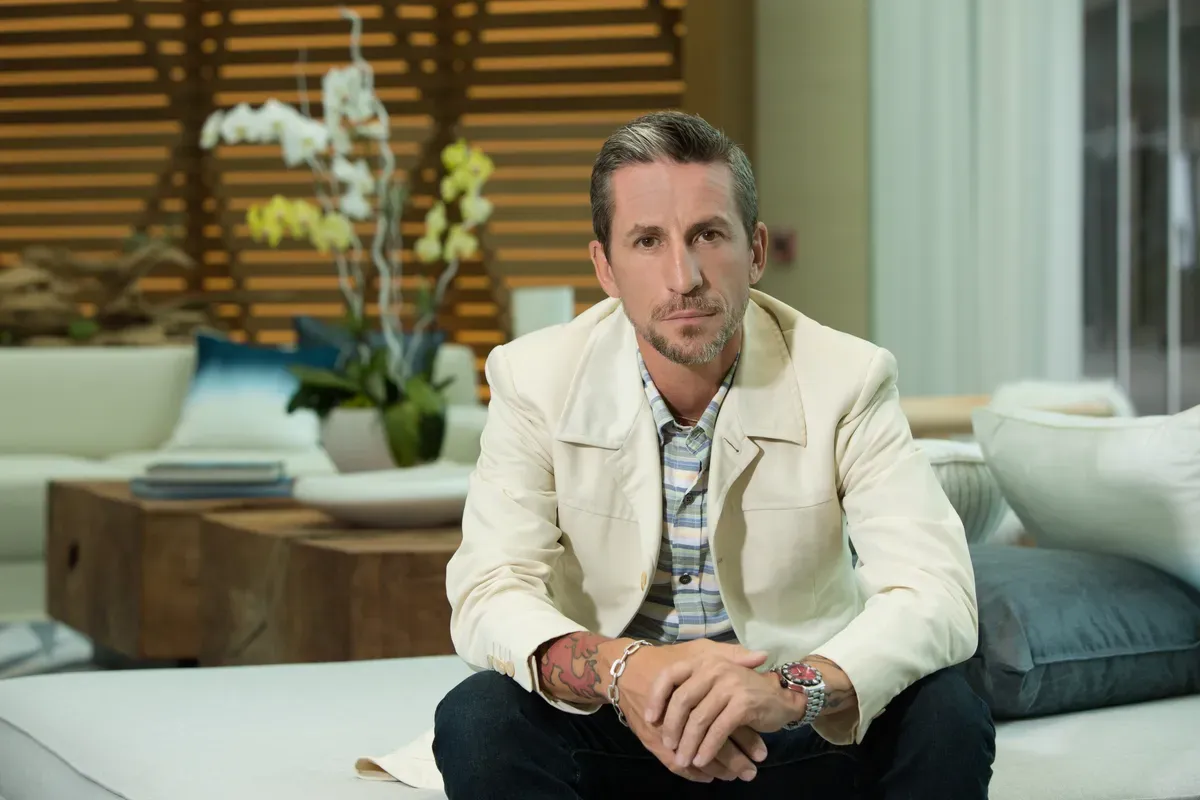
For an avatar, that might mean a dedicated session with clear views of your face, appropriate framing and the expressions, clothing and angles relevant to your chosen workflow. If the tool needs a straightforward, front-facing base image, make that image deliberately. Capture additional views for the uses that actually require them.
For products, build a reference set around the shape, finish, branding and details that need to survive into the output. Photograph the useful angles. Keep the presentation consistent enough to identify the same item across the set. Select the references each tool can actually use, then check the generated result against the product.
For architecture and interiors, combine strong overall views with the details and spatial context needed for the intended scenes. A dramatic hero photograph and a useful reference view may have different jobs. Plan for both when the project calls for them.
Before a shoot, bring the photographer examples of the output you want and the input requirements of the tools you’re using. Test a small set. See what holds up, what falls apart and what you need to capture differently.
If you’re serious about using AI visuals for your business, give the photographs the same attention you give the prompts. Better source material gives you a stronger starting point.
Everywhere Photography is available to create that material: a tailored avatar reference shoot, a product image set or photographs of your spaces planned for your AI workflow. Tell me what you’re trying to create. Let’s build the inputs for it.